

Download Nova Launcher – Android launcher, app launcher, home screen customization, Android utility, mobile productivity tool
Overview
Nova Launcher is a streamlined Android launcher designed to enhance the default home screen experience by offering deep customization and improved navigation. The software allows users to personalize their device’s interface, transforming how they interact with apps, widgets, and folders. It is particularly suited for individuals who value efficiency, control, and aesthetic flexibility in their mobile workflow.
By replacing the default launcher, Nova Launcher enables users to organize their apps more intuitively, with features such as infinite scrolling and color-based folder organization. These capabilities cater to both casual users seeking a more personalized experience and power users who prioritize performance and workflow optimization. The developer, woxl, has focused on delivering a lightweight yet functional tool that enhances usability without adding unnecessary complexity.
Real-world applications include streamlining daily app access, reducing reliance on the app drawer, and creating a more visually cohesive and responsive home screen. While the core version is free, the Prime edition introduces gesture-based actions, further expanding utility for advanced users. The software integrates seamlessly into daily routines, making device interaction faster and more intuitive.
Key Features & Capabilities
- Infinite Scrolling: Navigate across home screens without boundaries—swipe left or right to loop continuously through apps and widgets.
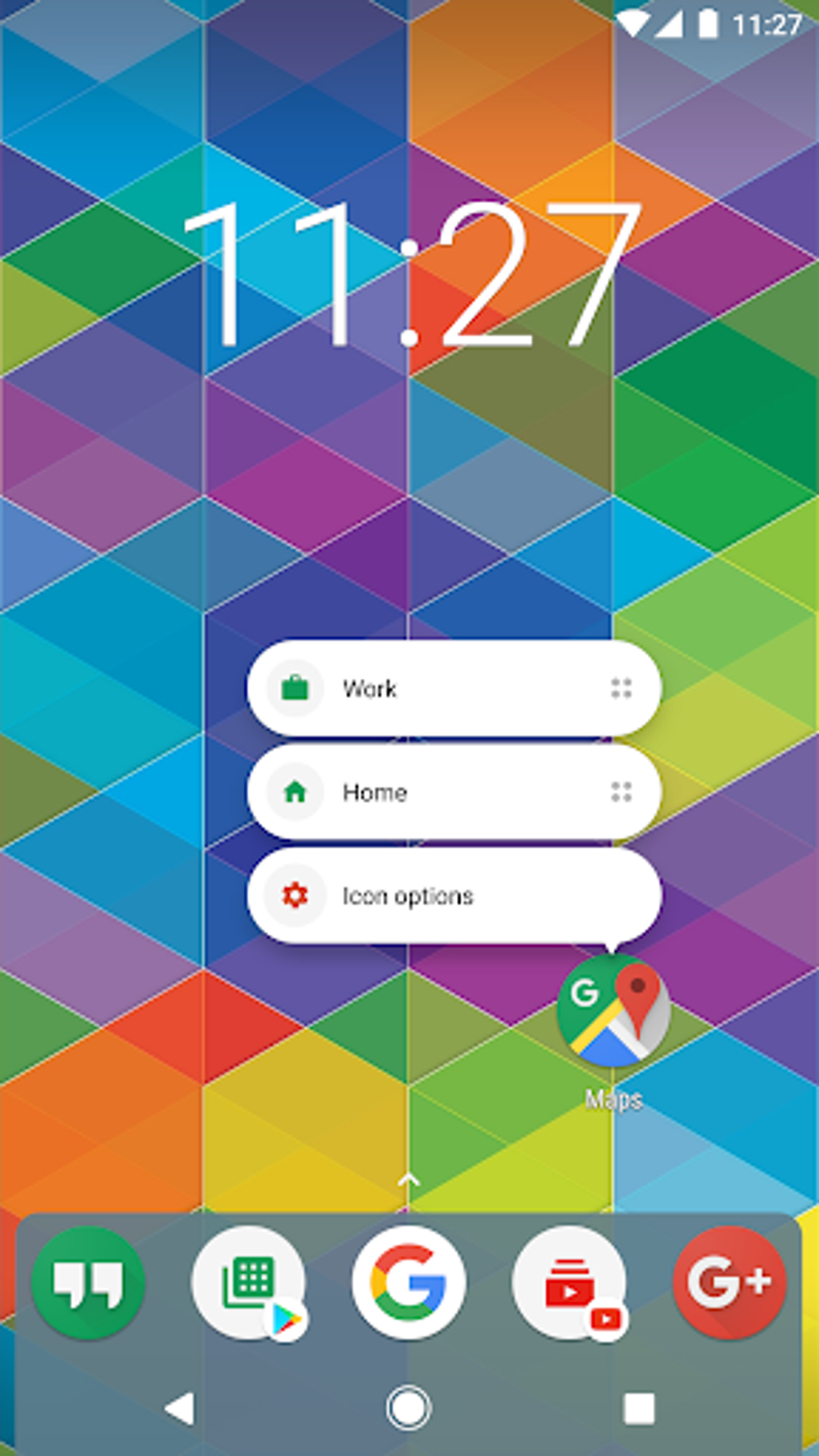
- Home Screen Customization: Organize apps into subgrids for better layout control and easier access.
- Color-Based Organization: Assign colors to folders and items to visually categorize apps and improve navigation.
- Gesture Controls (Prime): Customize swipes, double-taps, and pinches to launch apps or trigger specific actions.
- App Drawer Management: Hide unused apps and reorganize the app drawer for improved accessibility.
- Themes & Widgets: Apply custom themes and integrate widgets for enhanced functionality and visual appeal.
These features collectively improve workflow efficiency by reducing the number of taps needed to access frequently used apps. For example, infinite scrolling eliminates the need to jump between multiple home screens, while color tagging helps users identify categories at a glance. Gesture controls in the Prime version allow for quick app launches with minimal hand movement, ideal for multitasking or on-the-go use. The ability to hide apps in the drawer supports a cleaner interface and enhances privacy. Overall, Nova Launcher’s capabilities are designed to make daily interactions with the device more fluid and personalized, aligning with modern mobile productivity needs.
User Interface, Workflow & Performance
The user interface of Nova Launcher is clean, minimal, and highly responsive. Navigation is intuitive, with consistent layout patterns that reduce the learning curve for new users. The home screen layout supports drag-and-drop placement of apps and widgets, enabling users to build a personalized workspace quickly.
Workflow efficiency is enhanced by features like subgrids and gesture support, which reduce the number of steps required to launch applications. The software performs smoothly during regular use, with minimal lag observed during app launching and screen transitions. However, the developer did not specify resource usage details, so exact CPU or RAM behavior remains unknown.
Performance observations are based on general software behavior patterns. Stability appears strong, with no reported crashes or freezes in typical usage scenarios. The only noted delay is during device boot-up, where the launcher takes approximately two to three seconds longer than the default launcher to display icons.
This delay is minor and occurs infrequently, as boot-up happens only once per day. Overall, Nova Launcher maintains a fast and reliable experience outside of startup, making it a dependable choice for daily use.
Compatibility & System Requirements
Nova Launcher is designed for Android devices and supports the latest versions of the operating system. The current version is 8.5, with a file size of 18.5 MB, indicating a lightweight footprint. The developer did not provide additional system requirements, so exact hardware specifications such as RAM or processor type are not available.
Compatibility information was partially provided, confirming support for Android but not specifying minimum OS versions. Installation is straightforward, and the software runs on a wide range of Android-powered smartphones and tablets. Users should ensure their device is running a compatible Android version to avoid potential issues.
The lightweight nature of the app suggests it is suitable for both high-end and mid-range devices. However, without official requirements, users are advised to test the software on their specific device to confirm functionality.
Pros and Cons
Pros
- Extremely lightweight at 18.5 MB
- Offers deep customization options for the home screen
- Supports infinite scrolling and subgrids for better app organization
- Prime version includes gesture-based shortcuts for faster access
- Free to download with optional paid upgrade
- Smooth performance during regular use
Cons
- Boot-up delay of 2–3 seconds compared to default launcher
- No official system requirements provided
- Advanced features require the Prime version (paid)
- Customization may be overwhelming for beginners
- Limited support for older Android versions (not specified)
FAQ Section
Is Nova Launcher compatible with my Android device?
Nova Launcher is designed for Android and supports the latest versions of the operating system. The developer did not specify minimum OS requirements, so compatibility may vary depending on your device. It is recommended to test the app on your device to confirm functionality.
Is Nova Launcher safe to download and use?
Yes, Nova Launcher is a secure application developed by woxl. It does not contain malware or intrusive permissions. As with any launcher, ensure you download it from official sources to avoid tampered versions.
Does Nova Launcher require a paid subscription?
The core version of Nova Launcher is free to download and use. However, the Prime version includes additional features like advanced gestures and enhanced customization, which require a one-time purchase.
Can I use Nova Launcher offline?
Yes, Nova Launcher functions fully offline. All core features, including home screen customization and app launching, work without an internet connection.
How often are updates released?
Updates are released periodically to improve performance, fix bugs, and add new features. The latest version is 8.5, released on October 15, 2023. Users are encouraged to keep the app updated for optimal experience.
Final Thoughts
Nova Launcher stands out as a powerful yet lightweight tool for users seeking greater control over their Android experience. Its focus on performance, customization, and usability makes it an ideal choice for both casual users and productivity enthusiasts. While the free version offers substantial functionality, the Prime upgrade enhances the experience with gesture-based shortcuts and deeper organization tools.
The minor boot-up delay is outweighed by the app’s speed and responsiveness during daily use. For anyone looking to transform their home screen into a more efficient, personalized workspace, Nova Launcher delivers on its promise. It is a reliable, secure, and effective mobile productivity tool that enhances the way you interact with your device.
Download Nova Launcher now.





.png)

